
The other day I went shopping at my usual supermarket. Everything was going great until I stepped through the door and found the entire store had been reorganized with new aisles, new arrangements, new endcaps and new specialty sections. I was frustrated. In the past, I knew where everything was, but now I was lost. And all I needed was a jar of spicy mustard…
An Exercise in Frustration
The old arrangement of the store wasn’t necessarily good, either. Like leaves blown by the wind, similar products were scattered throughout the main aisles, on arbitrary endcaps, in specialty sections and other random locations. Forget comparison shopping, and forget finding that spicy mustard.
The maligned organization is likely a matter of competing needs that conspire to create a dysfunctional organization. Over time, we become accustomed to the chaos and can find what we need. The same is true for our company’s home page. Its chaotic nature likely reflects the competing needs and desires of users. Over time we learn to use it, and it becomes “normal.”
Starting November 1, the supermarket you knew – the homepage – will take on an entirely new look. But there is a method to the apparent madness, and the changes were carefully calculated. The new design – two years in development – reflects the diverse spectrum of users who rely on it daily.
Why do we need it?
Some say the old homepage works fine, so why develop something new? One reason is that the homepage is a reflection of the company, its vision and its values. It must support the needs of the users – connecting them easily to the information they need. But concerns expressed in recent years made it glaringly obvious that the old homepage was not serving the needs of the EB community. And it wasn’t just the content that needed a revamp.
The old homepage structure made it difficult for newer employees to find what they need. So the Knowledge Management (KM) team worked with experts from across the enterprise to understand the top level company organization and develop a taxonomy to efficiently manage information. The top ribbon of the new homepage (Homeport) reflects the company’s functional organization, focusing on what we do rather than on our constantly evolving company organization.
The taxonomy is critical to the search function, but it’s what lies behind this homepage that ultimately enables the needed functionality. Homeport is one of many SharePoint sites that work together as an enterprise content management system (ECMS), sharing data with related sites such as VIRGINIA Program, Ask a Submariner, Sea Stories, Core Values and Knowledge Management (KM) sites. The KM team is now developing “team sites” for individual functional areas and organizations to help manage their information. As more sites are completed and more of our intranet information is migrated to SharePoint, the search capability will become even more powerful.
User Input
Homeport’s design relied heavily on user input. Beta version testing of the site began in March of 2018 when about 1,500 employees test drove the site with an invite to provide feedback. A survey and usability tests were used to gain further feedback and insights. Hundreds of comments were submitted that identified bugs and suggested improvements. The improved site was soft launched in November of 2018, when opening Internet Explorer gave users access to both the legacy homepage and the new Homeport. Since that time, the KM team has worked feverishly with the EBIT Webmasters, DXC, and Communications to improve the site and add new features based on user input.
A Host of Features
The new Homeport homepage has a strong focus on communication, with sections that provide company news, industry news, community news, bulletins, blogs, and an events calendar. The rest of the site focuses on the critical functionality needed by employees, including:
•Popular Resources
•Acronym Finder
•Department Directory
•Employee Directory
A star feature of Homeport is a “My Links” tab on the right side of the screen. Individual users can add links to the information and resources they need every day that aren’t included under Popular Resources, and this feature travels with you. No matter what computer you log into at EB, you’ll see your Homeport page with your personalized “My Links” tab.
What to Expect
Beginning November 1, Homeport will replace the current default homepage. A temporary (6 month) link to the old home page will be available for those times when you just can’t find what you need. But one thing to explore is the search bar. Many users ignore the search bar on the current homepage because it seldom leads to success. But Homeport’s search is better and will improve over time. If you can’t find something on Homeport, let the KM team know so they can make the needed changes.
So, where exactly do I find that spicy mustard?
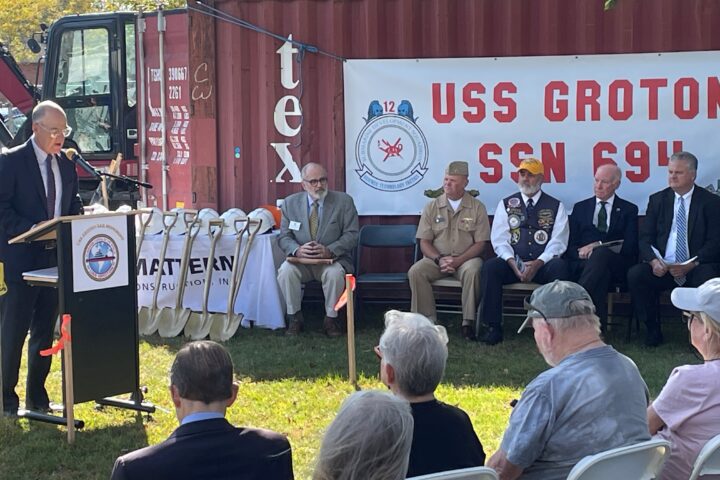
Groundbreaking Ceremony Marks Start of USS Groton Sail Monument
Fifty years after the USS Groton (SSN‑694) first launched, dozens gathered outside the Groton Public Library Oct. 9 to celebrate the groundbreaking of the USS Groton Sail Monument. The $6.6 million project—three decades in the making—will honor the men and women who design, build, operate and maintain the Navy’s submarines, as well as the families...Continue reading→

A Celebration of Heart, Community and Victory
2026 American Heart Association Eastern Connecticut Heart Walk Recap Saturday, October 3, 2026 | UConn Avery Point The 2026 American Heart Association Eastern Connecticut Heart Walk at UConn Avery Point was nothing short of extraordinary. Under bright autumn skies, 26 incredible Electric Boat teams and 151 walkers came together with passion, purpose, and unstoppable energy...Continue reading→
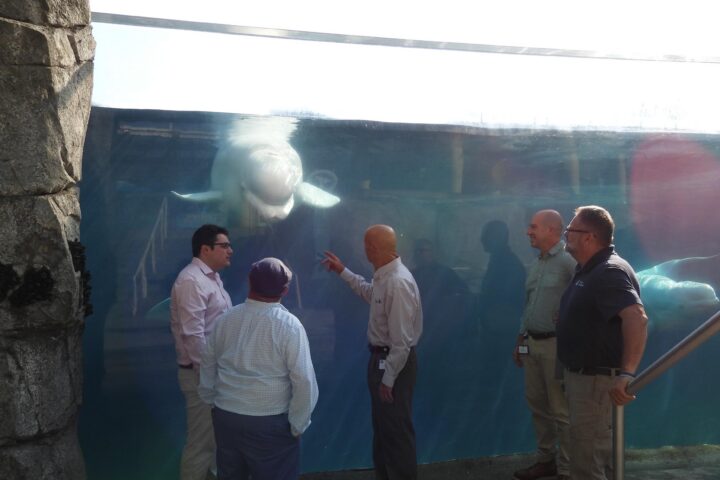
Quonset Point Donation Will Help Keep Mystic Aquarium’s Belugas Cool
Juno, the Mystic Aquarium’s convivial, photo-bombing Beluga whale, will continue swimming in cool comfort thanks to an unlikely chain of events that began 40 miles east in an Electric Boat industrial building at Quonset Point. That’s where EB’s Russ Tatro and Chris Logan were going over plans with a vendor, Carrier Corp., to replace Building...Continue reading→
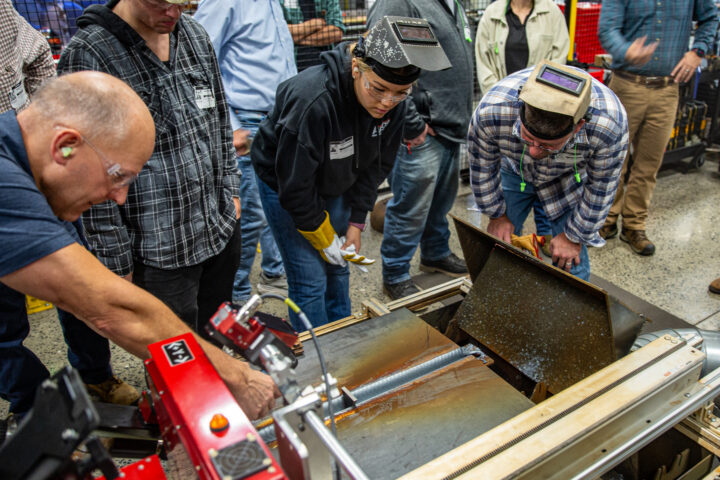
EB Team Visits Hypertherm as Part of Drive Toward Modern, Efficient Shipbuilding
A team from Groton and Quonset Point headed to New Hampshire-based Hypertherm Associates this week to get a closer look at a modern automated plasma gouging process designed to streamline hull fabrication. The visit was part of a broader effort across Electric Boat to bring more advanced, state‑of‑the‑art manufacturing tools into the shipyard. EB plans...Continue reading→
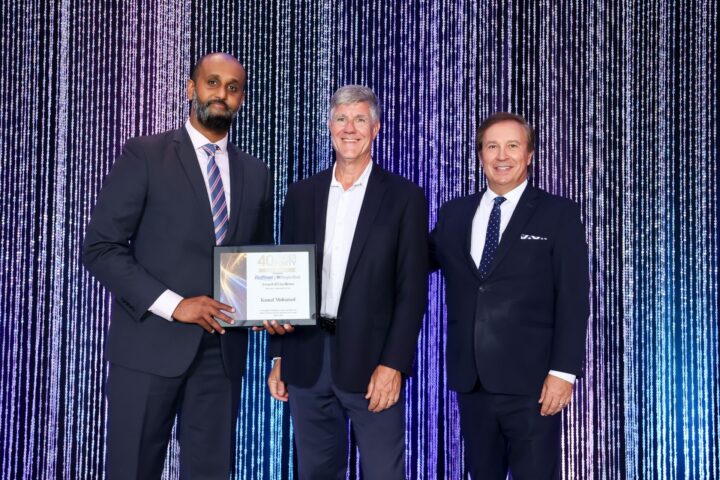
Kamal Mohamed Recognized as 2026 Hartford Business Journal 40 Under Forty Award Recipient
The Hartford Business Journal (HBJ) 40 Under Forty Awards recognize outstanding young professionals in the Greater Hartford area who are excelling in their industries through their leadership roles. They are driven by success, motivated by challenges and are role models for their peers. These individuals are part of an outstanding class of upcoming business leaders...Continue reading→
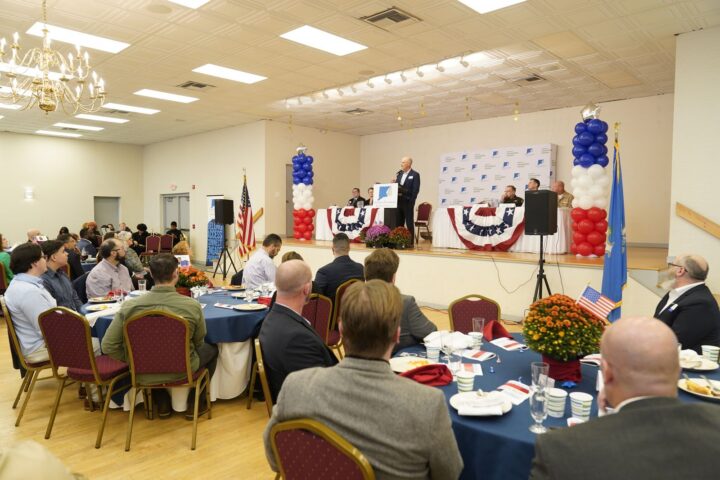
Electric Boat Joins Regional Leaders for Military Appreciation Breakfast
Electric Boat employees joined military and community leaders for the Chamber of Commerce of Eastern Connecticut’s annual Military Appreciation Breakfast on Sept. 30 at Ocean Beach Park’s Port ‘N’ Starboard. The event provided more than 120 complimentary seats to active-duty service members from the Navy, Coast Guard and Connecticut National Guard. General Dynamics Electric Boat...Continue reading→
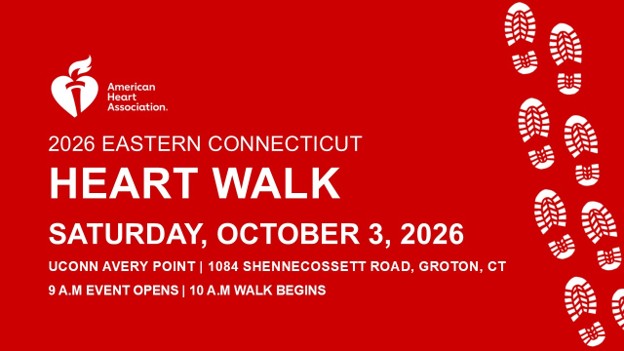
One Week Left—Let’s Claim the Torch! AHA Eastern Connecticut Heart Walk: Final Countdown
We are just one week away from the 2026 AHA Eastern Connecticut Heart Walk on October 3, 2026, at UConn Avery Point and this is our moment to finish strong. We’ve built incredible momentum, and now we’re within striking distance of something big. Right now, Electric Boat is holding second place, behind Mohegan Sun by...Continue reading→
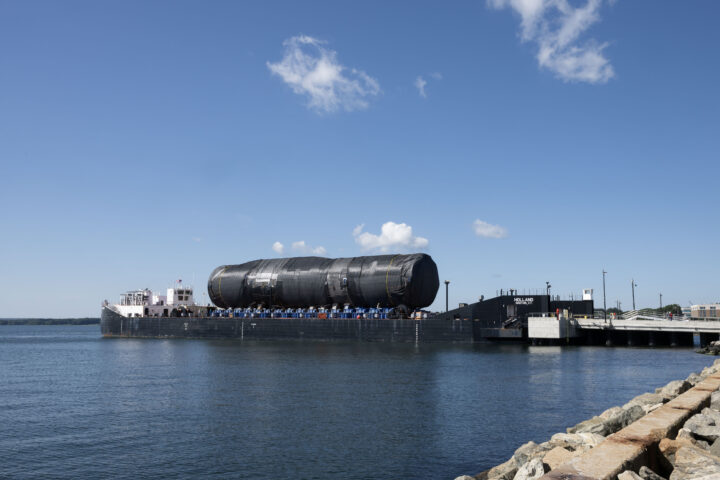
803 Section 2B/5 Transported from Quonset Point to Groton
PCU Arizona’s (SSGN 803) Section 2B/5 was successfully delivered to Groton from Quonset Point. At 184 feet in length, this section – which includes the Virginia Payload Module (VPM) – is the largest Virginia-class shipment ever transported. Arizona, the first submarine to incorporate VPM, will be about 460 feet long upon final construction. Section 2B/5...Continue reading→
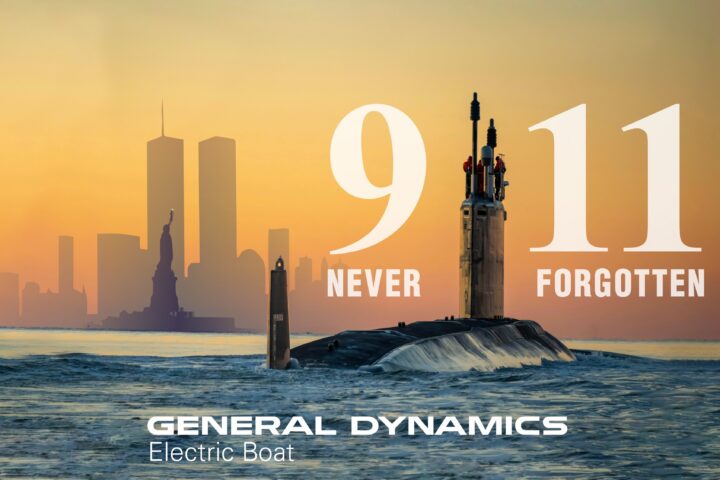
Remembering September 11
On September 11, 2001, the Twin Towers of downtown Manhattan’s World Trade Center and the Pentagon in Washington, D.C., were targeted in a series of coordinated attacks that would leave an everlasting imprint on our country’s psyche. As the events unfolded on that Tuesday morning, nearly 3,000 people lost their lives, over 600 were injured...Continue reading→
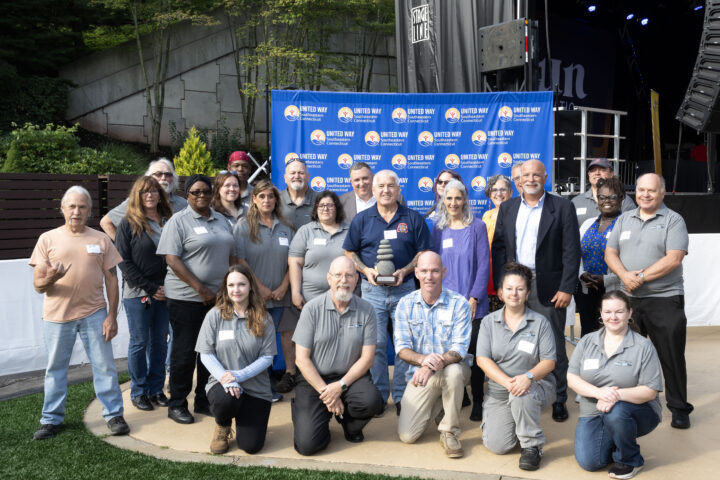
EBECSA Celebrates 75 Years — Nominate EB Employees Past and Present for Recognition
This year, the Electric Boat Employees’ Community Services Association (EBECSA) proudly celebrates its 75th anniversary. EBECSA was founded in 1951 by EB employees who wanted to create a dedicated, organized way to support nonprofit health and human service agencies in the communities where we live and work. What began as a small employee‑driven effort has...Continue reading→