
In the fall of 2019, Twitter changed their delivery options and dropped SMS messaging, which impacts the sending of messages via text to cell phones. For those who don’t know, EB has a Twitter account (@EBCMS) dedicated to posting weather related updates for all employees. Many employees had signed up to receive a text message to their mobile device when a new tweet from this account was posted. Due to the changes made by Twitter, please note that these notifications will no longer come through on your device. To stay up to date on weather updates, be sure to follow the EBCMS account on Twitter and check the page periodically. We will let employees know if and when SMS alerts become available again.
With that being said, there are other outlets employees can refer to for weather related announcements. Aside from Twitter, updates will be posted on EB’s Facebook page. You can also refer to Electric Boat’s website where important alerts will be posted via a banner at the top of the page.
EB Landing, our company mobile site, is also a communication method for these types of alerts. Notifications regarding site closures, parking lot closures, etc. will show up on a banner at the top of the EB Landing homepage. Being a mobile site, EB Landing can be accessed from any device at any time, whether or not you’re on the company network. As a reminder, you can add a shortcut to the EB Landing website on your device, helping you stay connected in a simple, easy-to-use way.
Don’t remember how? Here’s a refresher:
IPhone Instructions:
◦Open Safari and load the EB Landing website
◦At the bottom of the screen, click on the “Bookmark” icon (The icon looks like an arrow coming out of a box)
◦When the bookmark options appear, select “Add to Home Screen”
◦You’ll be asked to create a name for the new home screen icon and then click “Add”
◦The saved bookmark will now appear on your home screen like any other app
Android Instructions:
◦Open Chrome and load the EB Landing website
◦At the top of the screen, click on the vertical ellipsis (The icon looks like three dots stacked on top of one another)
◦When the options menu appears, select “Add to Home Screen”
◦You’ll be asked to create a name for the new home screen icon and then click “Add”
◦The saved bookmark will now appear on your home screen like any other app
If you have any questions about adding a shortcut to EB Landing on your device, please email ebcommunication@gdeb.com.
Delivering the Future
Some imagine the future. We deliver it now.
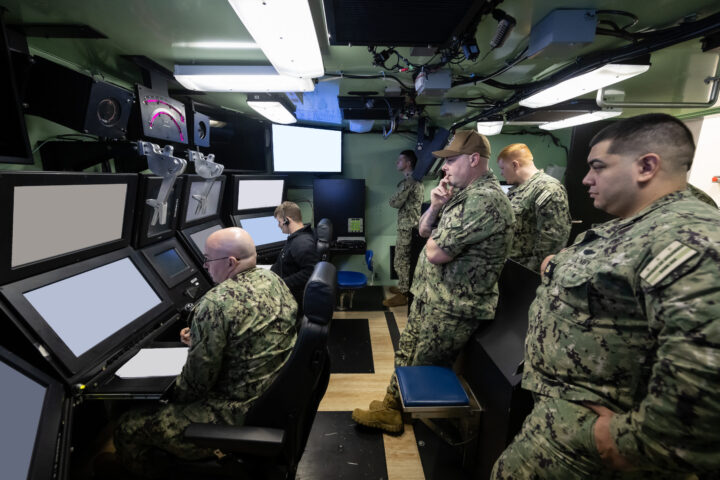
State-of-the-Art Simulator Prepares District of Columbia Crew for its Mission
As construction of the District of Columbia (SSBN 826) continues apace in EB’s South Yard Assembly Building, the sailors who will soon be at the controls are spending hours in a dynamic, high-tech simulator learning the intricacies of operating the 21,000-ton, first-in-class boomer. The Columbia Ship Control Operator Trainer (CSCOT) is a replica of the...Continue reading→
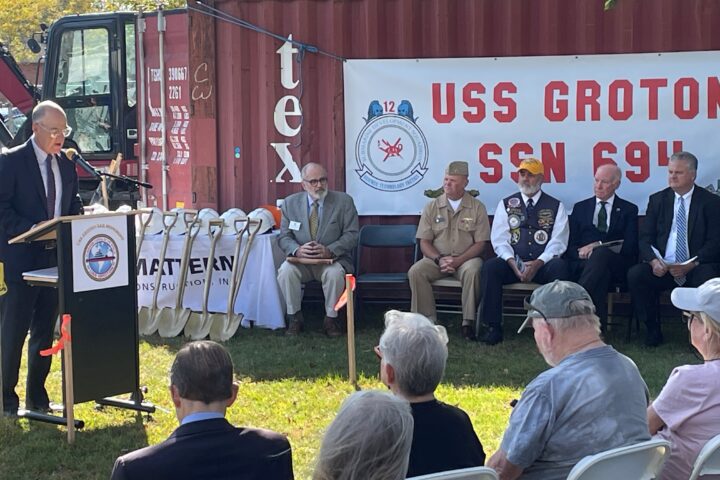
Groundbreaking Ceremony Marks Start of USS Groton Sail Monument
Fifty years after the USS Groton (SSN‑694) first launched, dozens gathered outside the Groton Public Library Oct. 9 to celebrate the groundbreaking of the USS Groton Sail Monument. The $6.6 million project—three decades in the making—will honor the men and women who design, build, operate and maintain the Navy’s submarines, as well as the families...Continue reading→

A Celebration of Heart, Community and Victory
2026 American Heart Association Eastern Connecticut Heart Walk Recap Saturday, October 3, 2026 | UConn Avery Point The 2026 American Heart Association Eastern Connecticut Heart Walk at UConn Avery Point was nothing short of extraordinary. Under bright autumn skies, 26 incredible Electric Boat teams and 151 walkers came together with passion, purpose, and unstoppable energy...Continue reading→
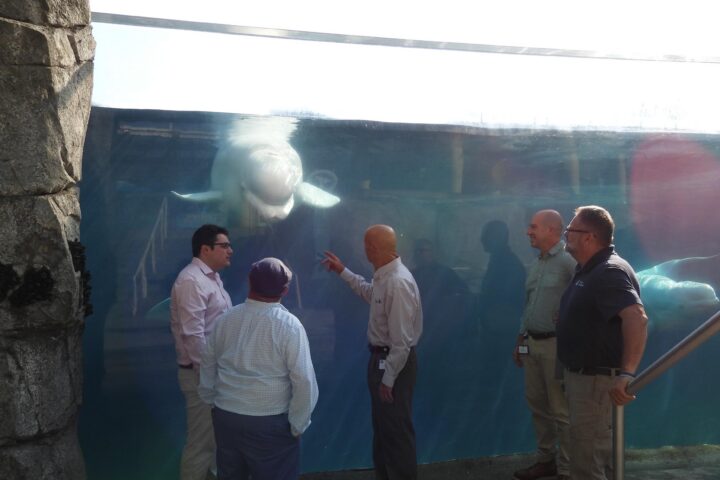
Quonset Point Donation Will Help Keep Mystic Aquarium’s Belugas Cool
Juno, the Mystic Aquarium’s convivial, photo-bombing Beluga whale, will continue swimming in cool comfort thanks to an unlikely chain of events that began 40 miles east in an Electric Boat industrial building at Quonset Point. That’s where EB’s Russ Tatro and Chris Logan were going over plans with a vendor, Carrier Corp., to replace Building...Continue reading→
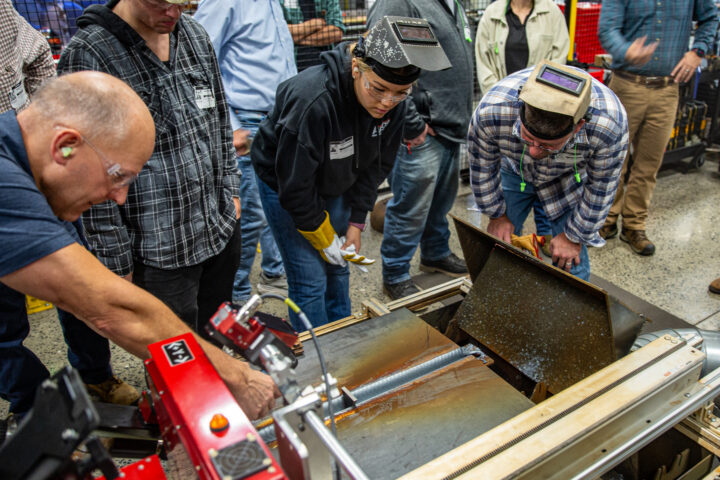
EB Team Visits Hypertherm as Part of Drive Toward Modern, Efficient Shipbuilding
A team from Groton and Quonset Point headed to New Hampshire-based Hypertherm Associates this week to get a closer look at a modern automated plasma gouging process designed to streamline hull fabrication. The visit was part of a broader effort across Electric Boat to bring more advanced, state‑of‑the‑art manufacturing tools into the shipyard. EB plans...Continue reading→

Kamal Mohamed Recognized as 2026 Hartford Business Journal 40 Under Forty Award Recipient
The Hartford Business Journal (HBJ) 40 Under Forty Awards recognize outstanding young professionals in the Greater Hartford area who are excelling in their industries through their leadership roles. They are driven by success, motivated by challenges and are role models for their peers. These individuals are part of an outstanding class of upcoming business leaders...Continue reading→
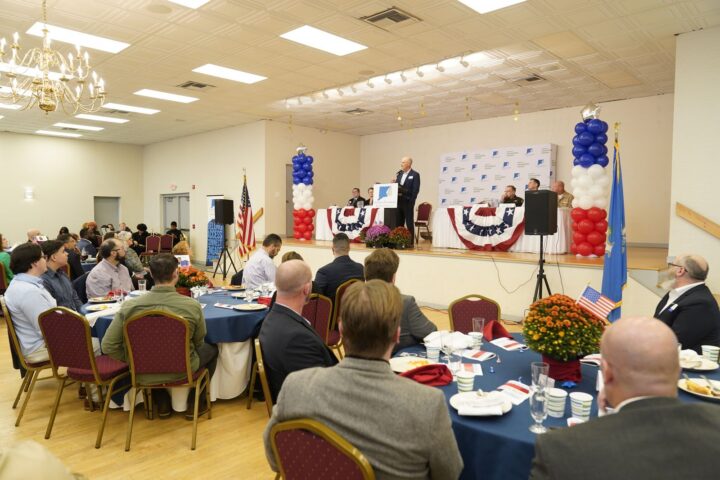
Electric Boat Joins Regional Leaders for Military Appreciation Breakfast
Electric Boat employees joined military and community leaders for the Chamber of Commerce of Eastern Connecticut’s annual Military Appreciation Breakfast on Sept. 30 at Ocean Beach Park’s Port ‘N’ Starboard. The event provided more than 120 complimentary seats to active-duty service members from the Navy, Coast Guard and Connecticut National Guard. General Dynamics Electric Boat...Continue reading→
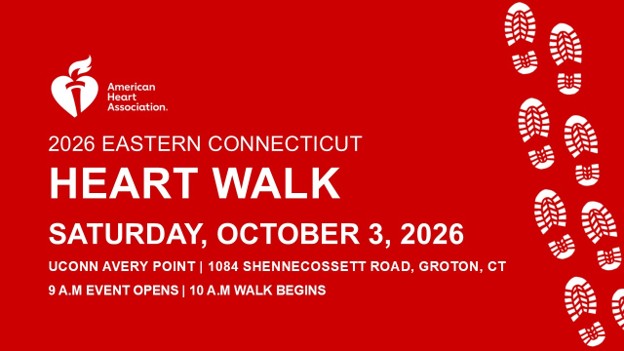
One Week Left—Let’s Claim the Torch! AHA Eastern Connecticut Heart Walk: Final Countdown
We are just one week away from the 2026 AHA Eastern Connecticut Heart Walk on October 3, 2026, at UConn Avery Point and this is our moment to finish strong. We’ve built incredible momentum, and now we’re within striking distance of something big. Right now, Electric Boat is holding second place, behind Mohegan Sun by...Continue reading→
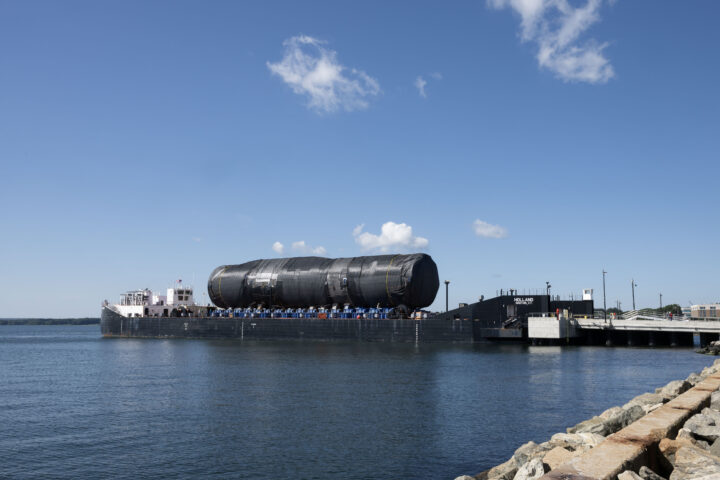
803 Section 2B/5 Transported from Quonset Point to Groton
PCU Arizona’s (SSGN 803) Section 2B/5 was successfully delivered to Groton from Quonset Point. At 184 feet in length, this section – which includes the Virginia Payload Module (VPM) – is the largest Virginia-class shipment ever transported. Arizona, the first submarine to incorporate VPM, will be about 460 feet long upon final construction. Section 2B/5...Continue reading→