

One Week Left—Let’s Claim the Torch! AHA Eastern Connecticut Heart Walk: Final Countdown
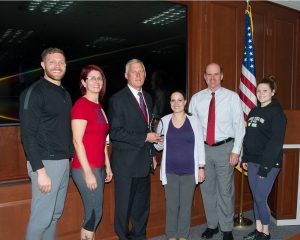
We are just one week away from the 2026 AHA Eastern Connecticut Heart Walk on October 3, 2026, at UConn Avery Point and this is our moment to finish strong. We’ve built incredible momentum, and now we’re within striking distance of something big. Right now, Electric Boat is holding second place, behind Mohegan Sun by...Continue reading→
803 Section 2B/5 Transported from Quonset Point to Groton
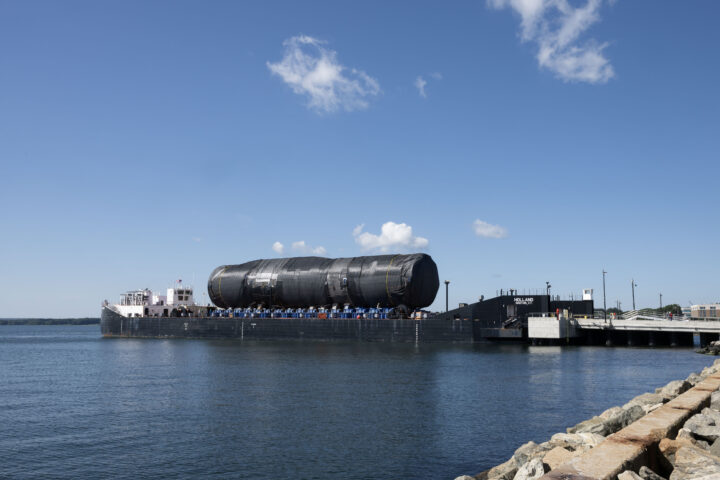
PCU Arizona’s (SSGN 803) Section 2B/5 was successfully delivered to Groton from Quonset Point. At 184 feet in length, this section – which includes the Virginia Payload Module (VPM) – is the largest Virginia-class shipment ever transported. Arizona, the first submarine to incorporate VPM, will be about 460 feet long upon final construction. Section 2B/5...Continue reading→

Remembering September 11
On September 11, 2001, the Twin Towers of downtown Manhattan’s World Trade Center and the Pentagon in Washington, D.C., were targeted in a series of coordinated attacks that would leave an everlasting imprint on our country’s psyche. As the events unfolded on that Tuesday morning, nearly 3,000 people lost their lives, over 600 were injured...Continue reading→

EBECSA Celebrates 75 Years — Nominate EB Employees Past and Present for Recognition
This year, the Electric Boat Employees’ Community Services Association (EBECSA) proudly celebrates its 75th anniversary. EBECSA was founded in 1951 by EB employees who wanted to create a dedicated, organized way to support nonprofit health and human service agencies in the communities where we live and work. What began as a small employee‑driven effort has...Continue reading→
Atlas Plaque Unveiled, Honoring Plank Owners at South Yard Ceremony
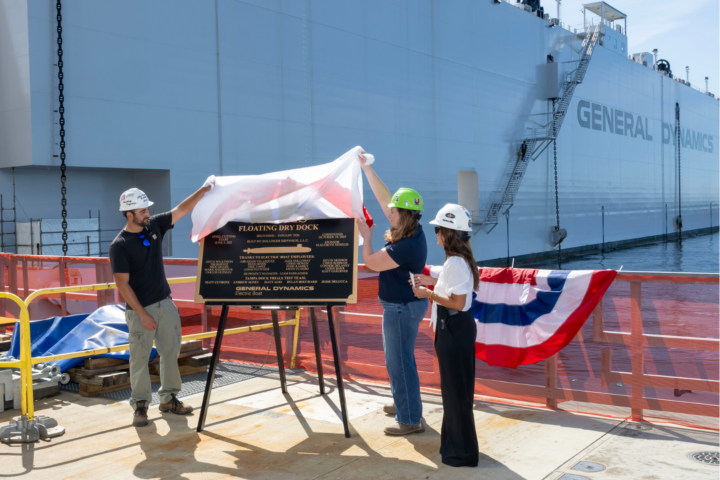
Employees who have worked on Atlas, EB’s new state-of-the-art floating dry dock, gathered in the South Yard on Wednesday, Aug. 26, to unveil a new bronze plaque recognizing the contributions of its plank owners. The event celebrated the teams who helped bring Atlas from Bollinger Shipyards in Louisiana to its arrival in Groton earlier this year. Atlas will play...Continue reading→
Neighbors Meet with EB to Discuss Noise, Lighting and Other Quality of Life Topics
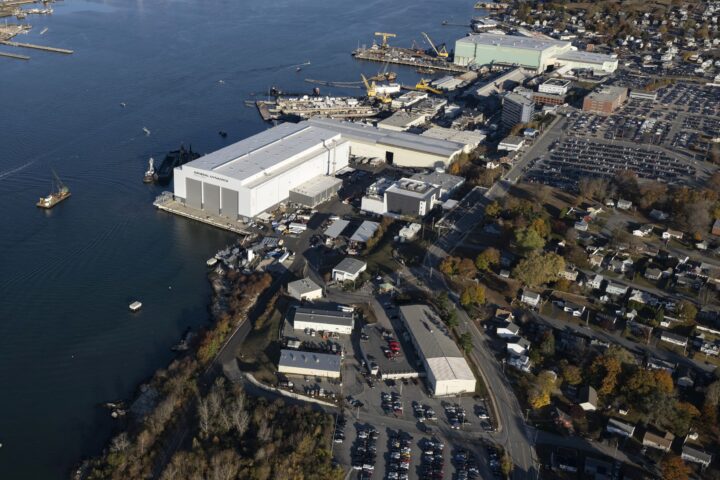
Nearly twenty neighbors of Electric Boat’s Groton shipyard joined company leaders Aug. 25 for a community conversation focused on their quality‑of‑life concerns related to the South Yard Assembly Building (SYAB) and Atlas, the new floating dry dock. The Mayor of the City of Groton, Jill Rusk, also attended. Residents said they appreciated the chance to talk...Continue reading→
Rayha Report Ep. 26: Waterford Campus Groundbreaking
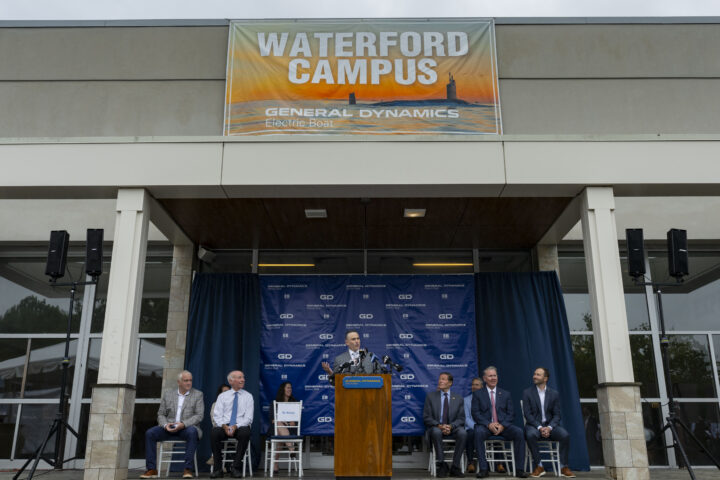
EB President Mark Rayha reports from the groundbreaking of the new Waterford Campus, where innovation, engineering and workforce development will come together to support our mission. The new facility will help train hundreds of shipbuilders daily as EB continues to grow for future production demands.

Waterford Campus Groundbreaking Marks EB’s Next Step in Innovation and Workforce Growth
Electric Boat officially broke ground Friday on the Waterford Campus, launching the transformation of the former Crystal Mall into a center for innovation, engineering and high‑tech workforce development. EB President Mark Rayha underscored how the project will reshape the way the company designs, tests and builds submarines. Innovation is the key, he said. “There’s an opportunity to...Continue reading→

Powering HeartStrong 50: Thank You, EB Teams—Let’s Keep the Momentum Going!
Thank you to our incredible EB Heart Walk teams, our community partners, and everyone who joined the American Heart Association (AHA) Torch Journey photoshoot. Your enthusiasm and dedication made this milestone truly special. Now let’s keep our HeartStrong 50 energy going—our goal is 50 teams and $50,000 raised for the 2026 AHA Eastern Connecticut Heart Walk on October 3 at UConn Avery...Continue reading→
Speed Cameras to be Installed in the City of Groton
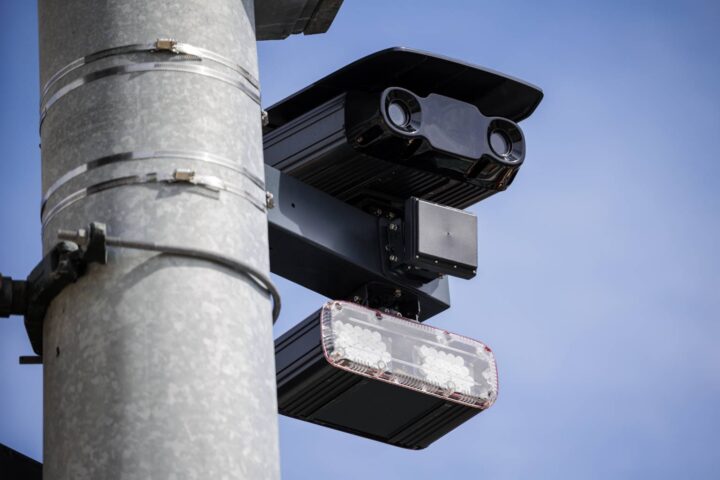
The City of Groton Police Department announced that automated speed enforcement cameras will be installed at several locations throughout the city. The cameras will be installed after the required 30-day public notification period, which began on Aug. 7, 2026. Camera locations: Mitchell Street Thames Street Clarence B. Sharp Highway (Route 349) Police said the purpose...Continue reading→